C:\RW\Graphics\Examples\Tutorials\Tutorial5\Models. Click Next.
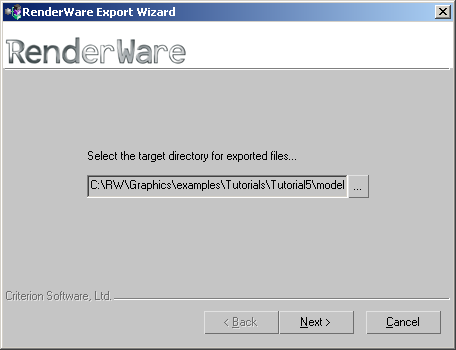
Generic.rwt. Click Next.
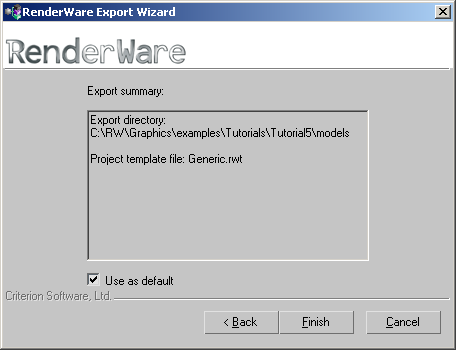
Click Finish. The default view settings create a temporary .rws file which is now displayed in Visualizer.
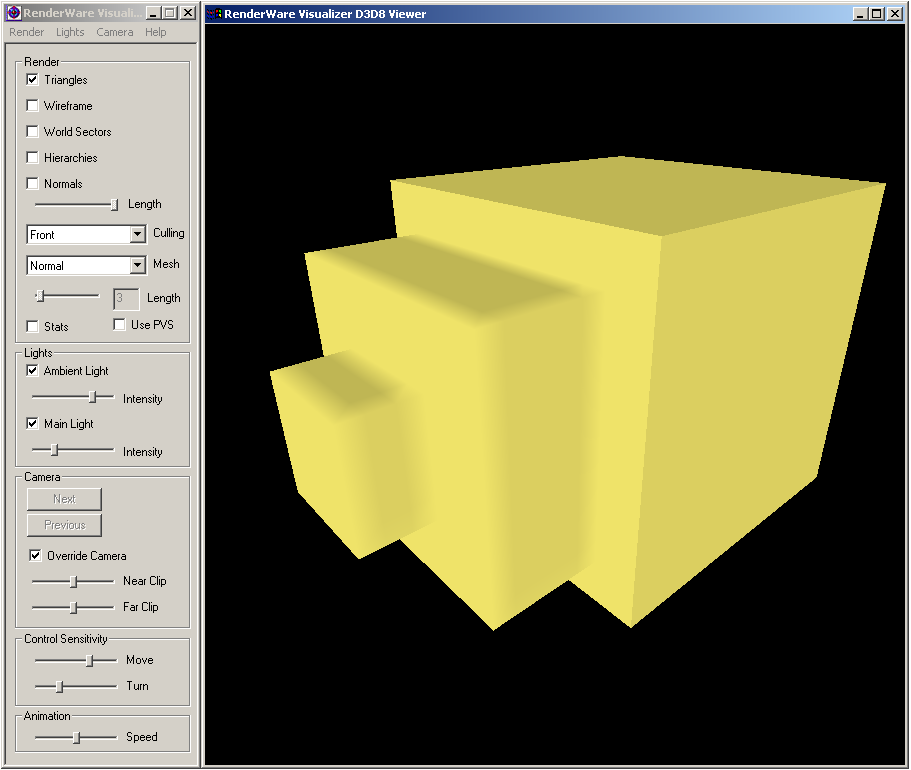
Navigation in RenderWare Visualizer
The navigation controls are intuitive. The keyboard and mouse shortcuts to move around the viewer are:
| Control | Description |
| Left click & drag | Mouse Look. Position static, but changing view position |
| Right click | Activates and deactivates orbit mode. To activate orbit mode, depress the right mouse button and keep it depressed. Move the mouse or use the keyboard for navigation. Release the right mouse button to deactivate orbit mode. |
| Left cursor key or D | Strafe left |
| Right cursor key or A | Strafe right |
| Up cursor key or W | Forward |
| Down cursor key or S | Backward |
| Esc | Exit application if in the Viewer window |
