    static void
    CreateLights(void)
    {
        Ambient = RpLightCreate(rpLIGHTAMBIENT);
        if (Ambient)
        {
            RpWorldAddLight(World, Ambient);
        }
        Direct = RpLightCreate(rpLIGHTDIRECTIONAL);
        if (Direct)
        {
            RwFrame *f = RwFrameCreate();
            RpLightSetFrame(Direct, f);
            RpWorldAddLight(World, Direct);
        }
}
Initialize3D() function to call CreateLights(). We are not too concerned here about error handling - if the lights cannot be created then the application can continue with no lights.
        /* Create an empty world if not loading a RWS... */
        World = CreateWorld();
        if( World == NULL )
        {
            RsErrorMessage(RWSTRING("Cannot create world."));
            return FALSE;
        }
        /* Create the lights */
        CreateLights();
        /* Create a camera using the democom way... */
        Camera = CreateCamera(World);
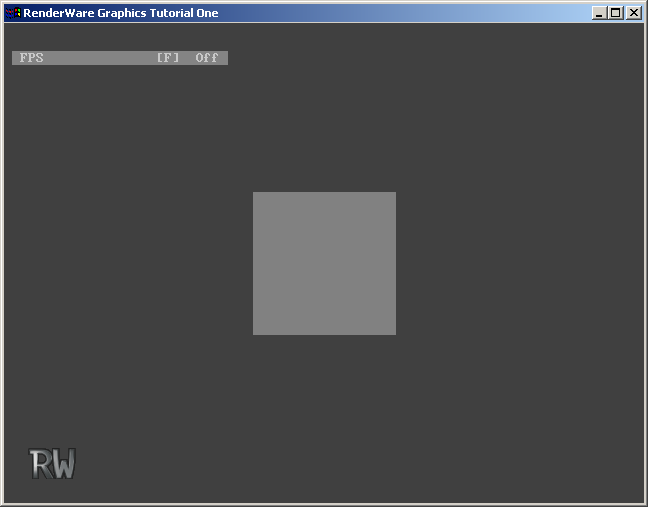
Destroying Lights
As was mentioned before, destroying objects is every bit important as creating and using RenderWare Graphics objects. The final step in this exercise is to destroy the lights when the application shuts down. We will write a DestroyLights() function for this.
CreateLights() function, add the following code, that undoes the steps used to create the lights.
    static void
    DestroyLights()
    {
        if (Direct)
        {
            RwFrame *f;
            RpWorldRemoveLight(World, Direct);
            f = RpLightGetFrame(Direct);
            RpLightSetFrame(Direct, NULL);
            RwFrameDestroy(f);
            RpLightDestroy(Direct);
            Direct = NULL;
        }
        if (Ambient)
        {
            RpWorldRemoveLight(World, Ambient);
            RpLightDestroy(Ambient);
            Ambient = NULL;
        }
}
DestroyLights() in the Terminate3D() function. A good place to do this is immediately after the RpWorldForAllClumps() iterator function. You must destroy the lights before the world is destroyed, however.
DestroyLights() to make sure that you understand when the lights are destroyed.
